
Add Annotation
Use the add annotation button to create a new annotation box.
Note
Annotation creation works the same in the PDM task and SOLIDWORKS add-in. The task stores annotations in its task definition; the add-in stores them in the selected profile.
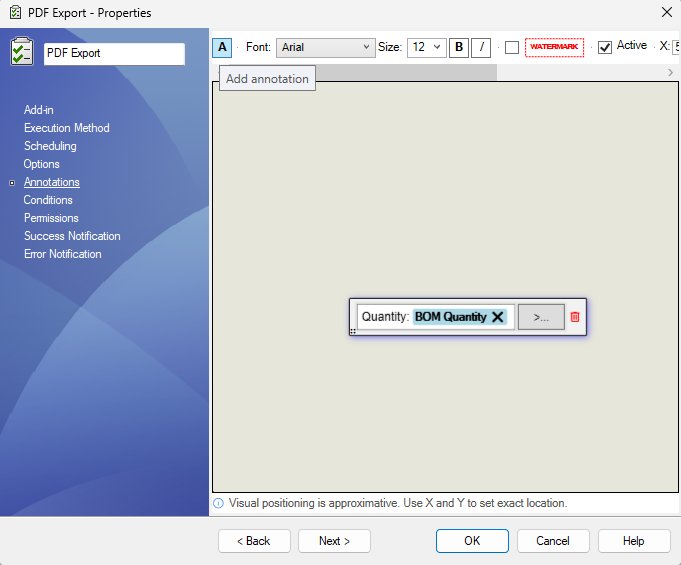
New annotations are added to the page preview and can then be edited, positioned, enabled, or changed into a watermark.
Use one annotation for each separate note or watermark you want to place on the exported PDF.