
eDrawings Export Settings
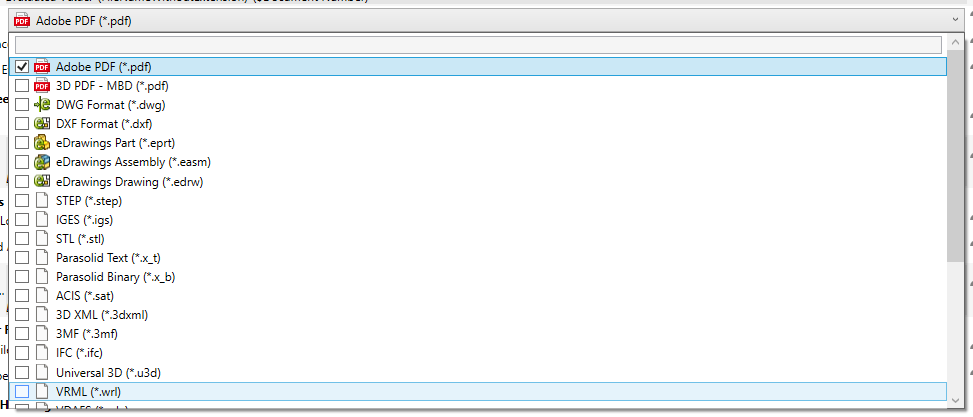
PDMPublisher PDM Task can create these eDrawings files:
| Source document | eDrawings output |
|---|---|
SOLIDWORKS part (.sldprt) |
eDrawings Part (.eprt) |
SOLIDWORKS assembly (.sldasm) |
eDrawings Assembly (.easm) |
SOLIDWORKS drawing (.slddrw) |
eDrawings Drawing (.edrw) |
Before saving an eDrawings file, PDMPublisher PDM Task applies these settings:
- Allow measurement in the exported eDrawings file.
- Save file properties in the exported file.
- Save file properties for each component where the output contains assembly components.
This prevents the export from depending on the eDrawings preferences previously stored for the Windows account running SOLIDWORKS on the task host.
Important
This correction applies only to PDMPublisher PDM Task. It does not change PDMPublisher for SOLIDWORKS.
Task Setup
There is no new task checkbox for this correction. Select the required eDrawings extensions under File Formats; PDMPublisher applies the corrected preferences automatically when the task creates the output.
Update PDMPublisher on every computer that can execute the task. The Windows account running the task must also be able to start the configured SOLIDWORKS version.
For managed task deployment, see Install or Update PDMPublisher with PDMDeploy.