
Publishing Logs
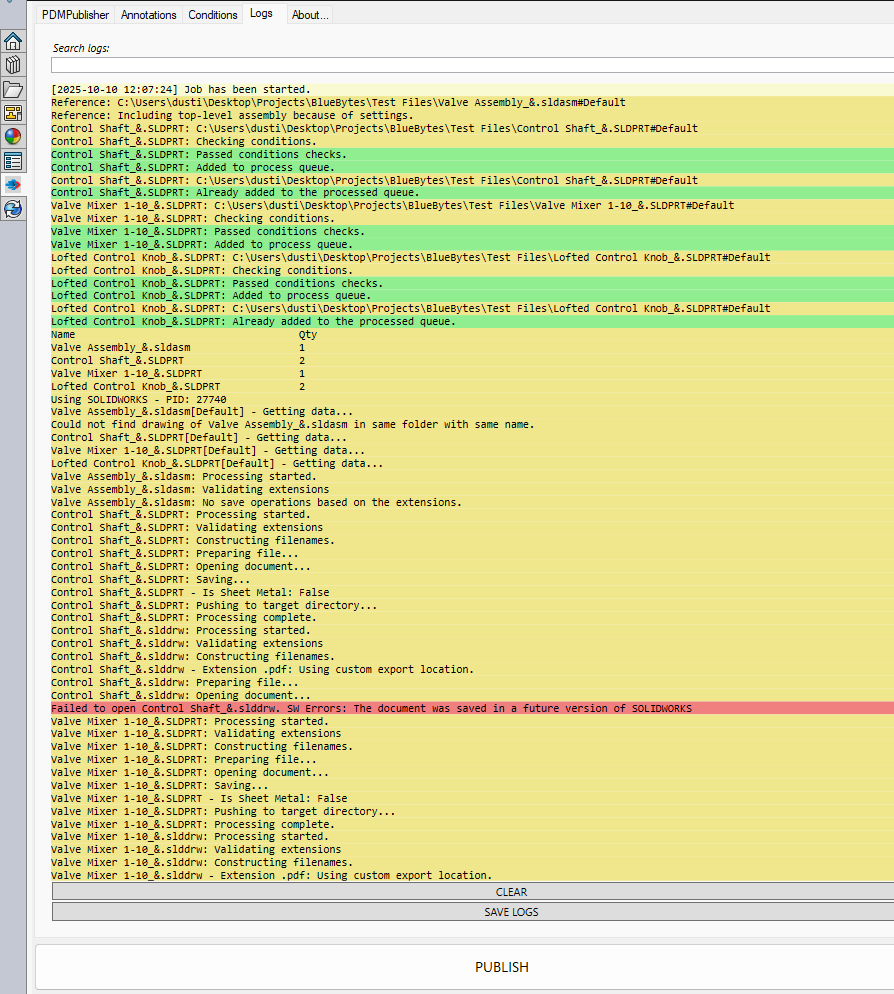
Select PDMPublisher > Logs to review processing steps, successful exports, warnings, and failures from jobs in the current SOLIDWORKS session.
| Page | Purpose |
|---|---|
| Search and Read Logs | Filter entries and interpret the entry colors. |
| Save and Clear Logs | Save the complete session log or clear the in-memory entries. |
Tip
Save the log immediately after a failed job and include it when contacting support@bluebytesystemsinc.zohodesk.com.